
Make a Vision Board for the Home Life You Actually Want

I think a lot of us are quietly carrying a picture of the homemaker we want to be. Maybe she bakes her own bread. Maybe her house is calm and tidy and smells like lemon. Maybe she’s got a garden, or a stack of library books always going, or a quilt she’s slowly piecing together by the window. We feel her. We just never sit down and look at her.
That’s all a vision board really is! Taking that vision in your head and making it real.
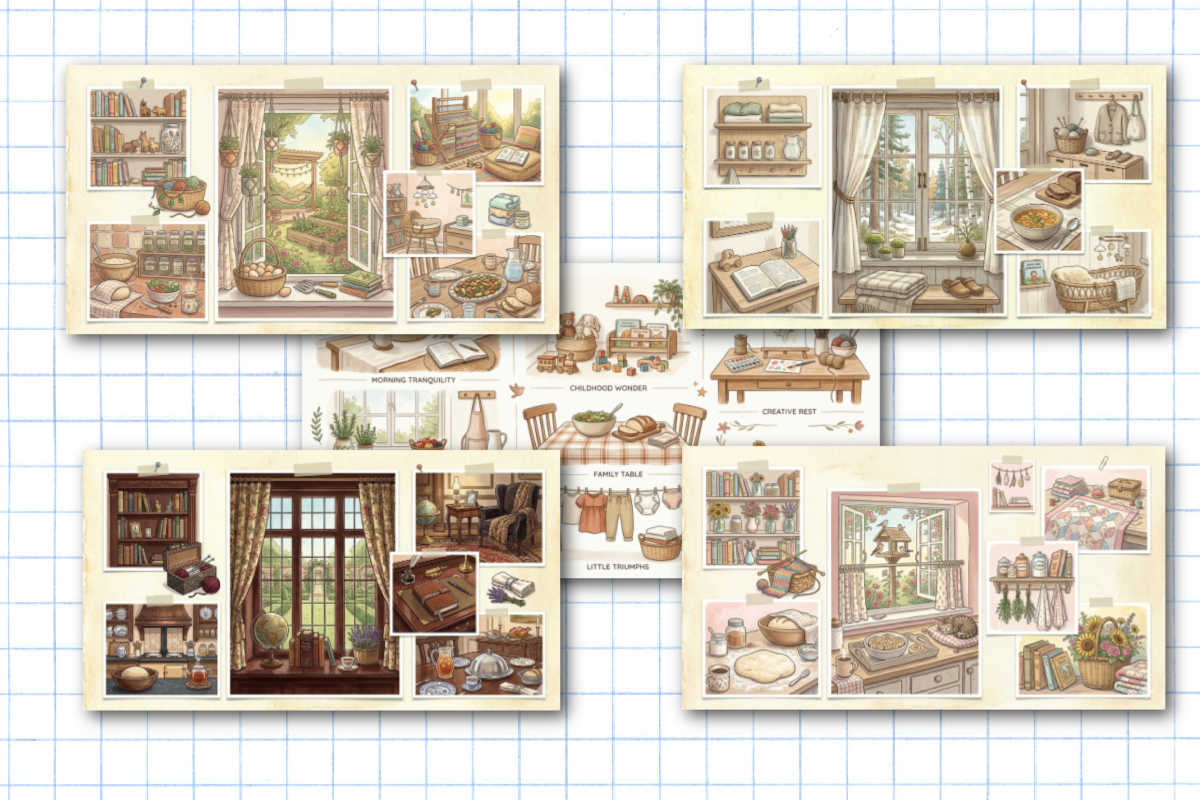
Here’s how to make yours
It’s genuinely simple, and it’s free:
- Fill in the blanks below in your own words. Don’t overthink it — half-formed and honest beats polished and fake.
- Hit the button. It quietly turns your answers into one tidy little prompt.
- Copy that prompt and paste it into a free AI image maker. A few seconds later, there’s your vision board.
Go ahead and try it:
Heart’s Content Farmhouse
Picture your home life.
Finish each line in your own words — messy, half-formed, totally yours. There are no wrong answers, and no two of these come out the same. When you’re done, you’ll get a ready-to-paste prompt for a free AI image maker.
Your prompt is ready
Here’s your vision, in words.
Copy this, then paste it into any free AI image maker. In a few seconds you’ll have a vision board picturing the life you just described.
Where to paste it — all free:
- ChatGPT or Google Gemini — just paste and say “make this image”
- Microsoft Copilot (Bing Image Creator) — great quality, free Microsoft account
- Canva — if you already use it, look for the AI image tool
Too plain? Add “storybook illustration, hand-painted, soft and warm” to the end, or ask it to “make it cozier.” Still seeing a person sneak in? Just reply “no people — only the spaces and objects.” Want a word on the board? Ask for one — but keep it to a single short word, since AI still fumbles long text.
Where to paste your prompt
Any of these will do it, and they’re all free:
- ChatGPT: paste the prompt and say “make into an image”
- Google Gemini: paste the prompt and select the image toggle
- Canva – if you already use it for everything like I do, look for the AI image tool.
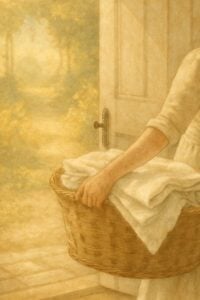
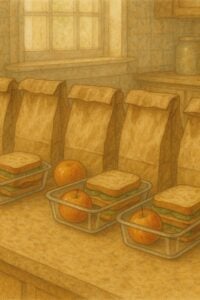
Your board will come out looking like a soft, hand-painted storybook page. That’s on purpose! More on that in a second.
Now actually use it
Here’s the part that turns a pretty picture into a guiding light:
Put it where you’ll see it. Make it your phone wallpaper. Print it small and tuck it on the fridge or inside a cabinet door. Let it catch your eye on the ordinary days.
Revisit it each season. You’re allowed to change. Make a fresh one in spring and see what’s shifted.
So go make yours. I hope you like it and have fun.
Save This Post
You'll join my email list which you will love. And if you don't, unsubscribe in one click. ❤️







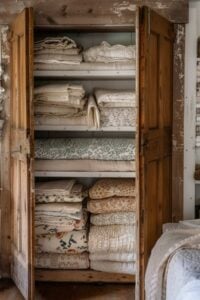
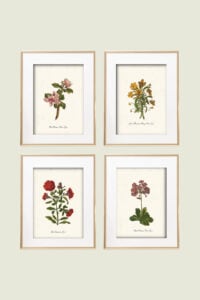
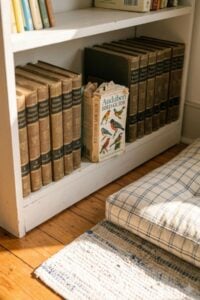


I LOVED this so much and loved the prompting that came with it! I will definitely be posting this somewhere I can view every day!
Loved this! Recently moved to a new place and this will help me help us make the life we want.
I love the beautiful images! Definitely has me envisioning this future
hey jodi! im so glad to hear this. need to figure out a way for people to upload theirs here!
my sister did this and told me to do it as well, thinking about these things actually relaxed me
hey deb, glad it was helpful